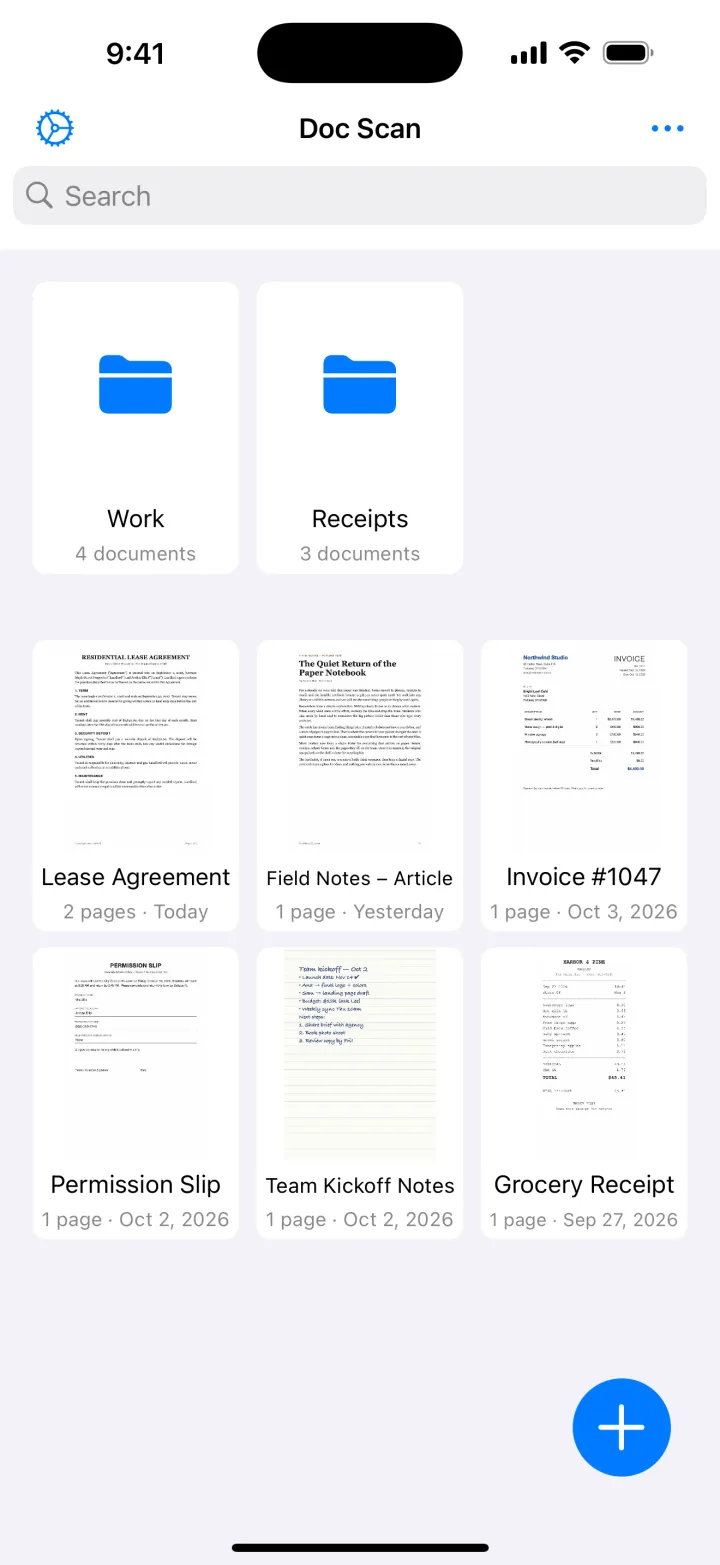
Folders and search
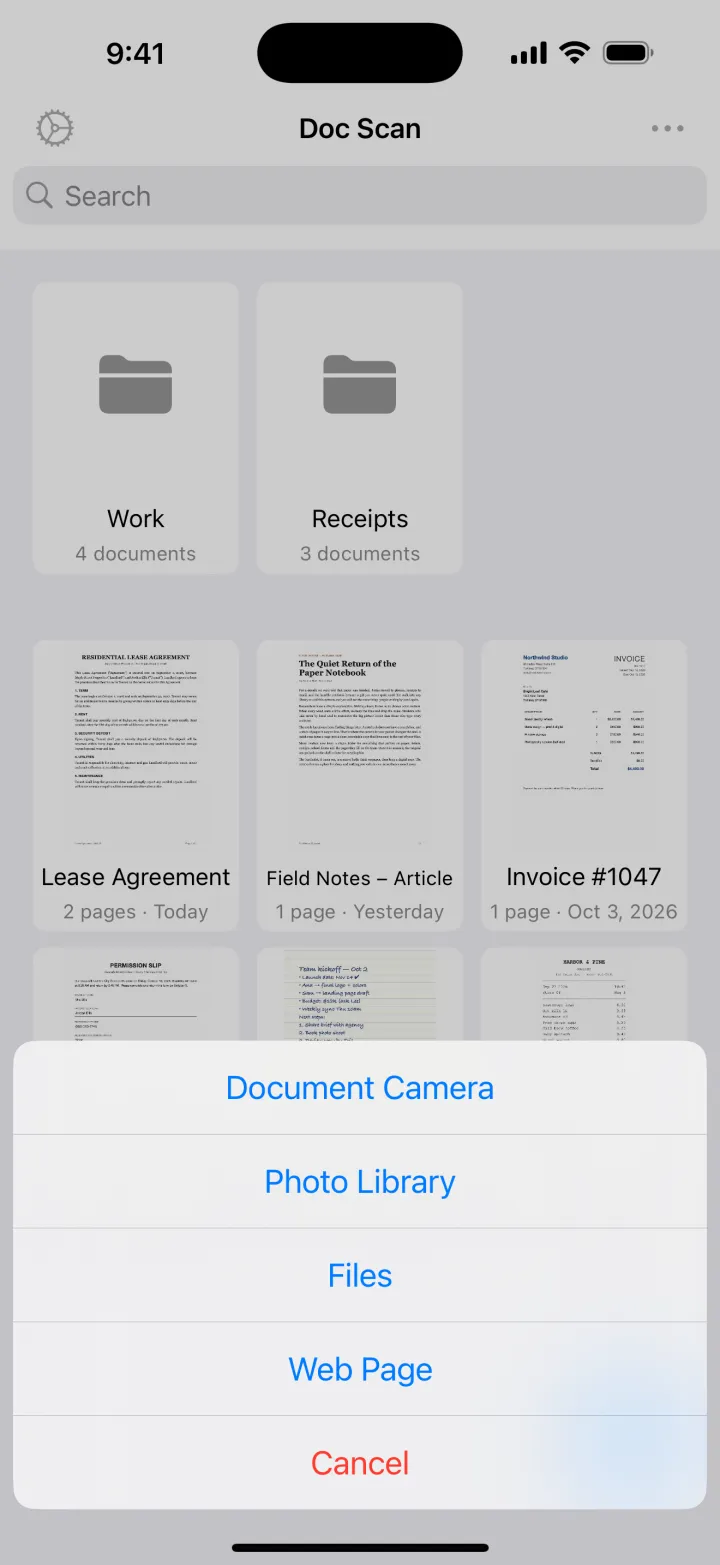
Sort scans into folders, find them by name, and switch between a grid and a list.
Document scanner for iPhone & iPad
Point your camera at a page. Doc Scan finds the edges, flattens and cleans it up, then turns it into text you can copy, a signed form, or a clean PDF.
Download on theApp StoreTry it
This is what happens in the app, in three taps. Press the shutter.
Launch date moves to Oct 28.
Anna: final copy for the store page.
Leo: send the signed contract by Friday.
Budget approved, invoice #1047 attached.
M. CarterWhat it does
And the small things
Sort scans into folders, find them by name, and switch between a grid and a list.
Your documents show up on your iPhone and iPad, without an account to create.
Lock the app with a passcode, and open it with Face ID or Touch ID.
Rotate, enhance, switch to black and white, restore the original or delete a page.
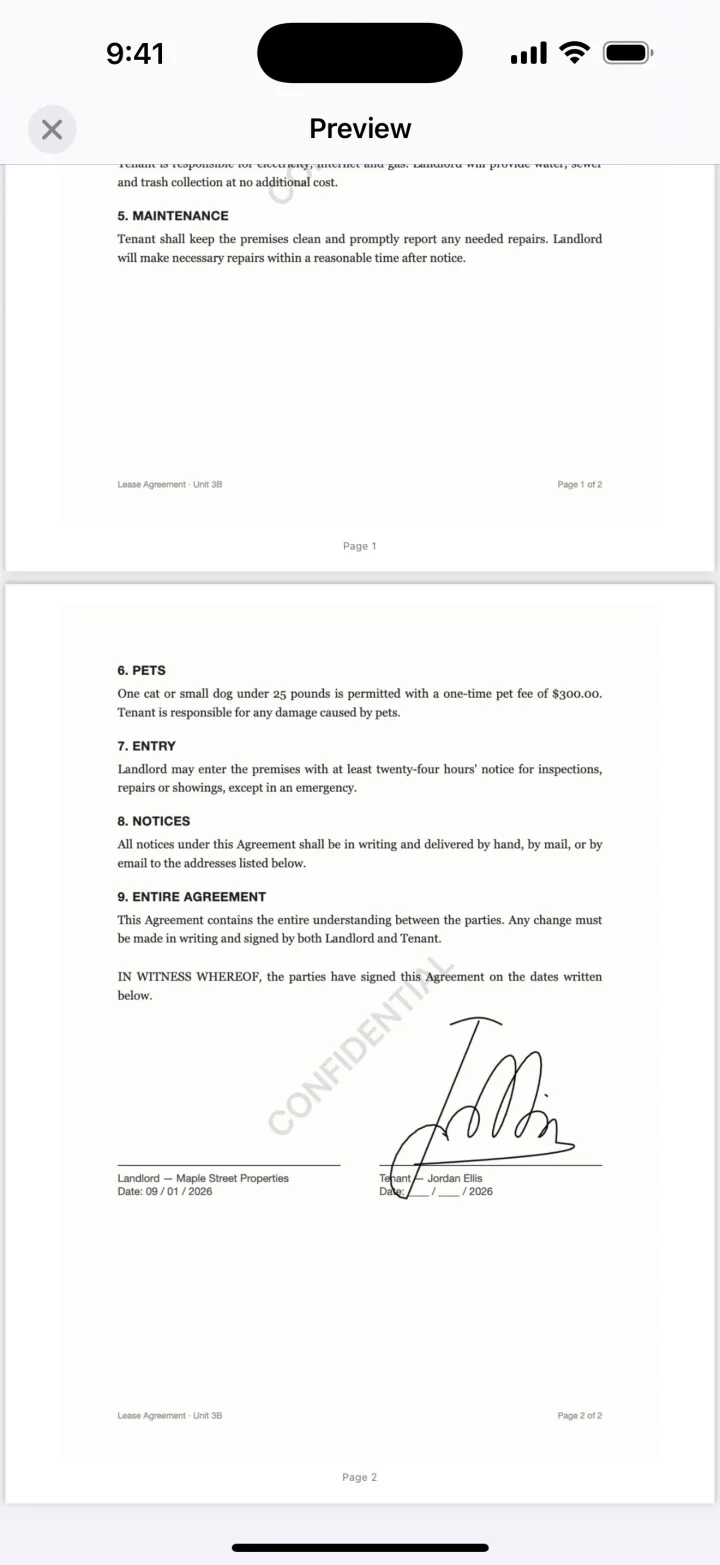
Page numbers, a watermark and password protection, set right before you export.
Send up to 20 images or PDFs to Doc Scan from the share sheet in any app.
Made for
Scan receipts for expenses and keep invoices in folders you can search by name. Send them on as PDF or JPG.
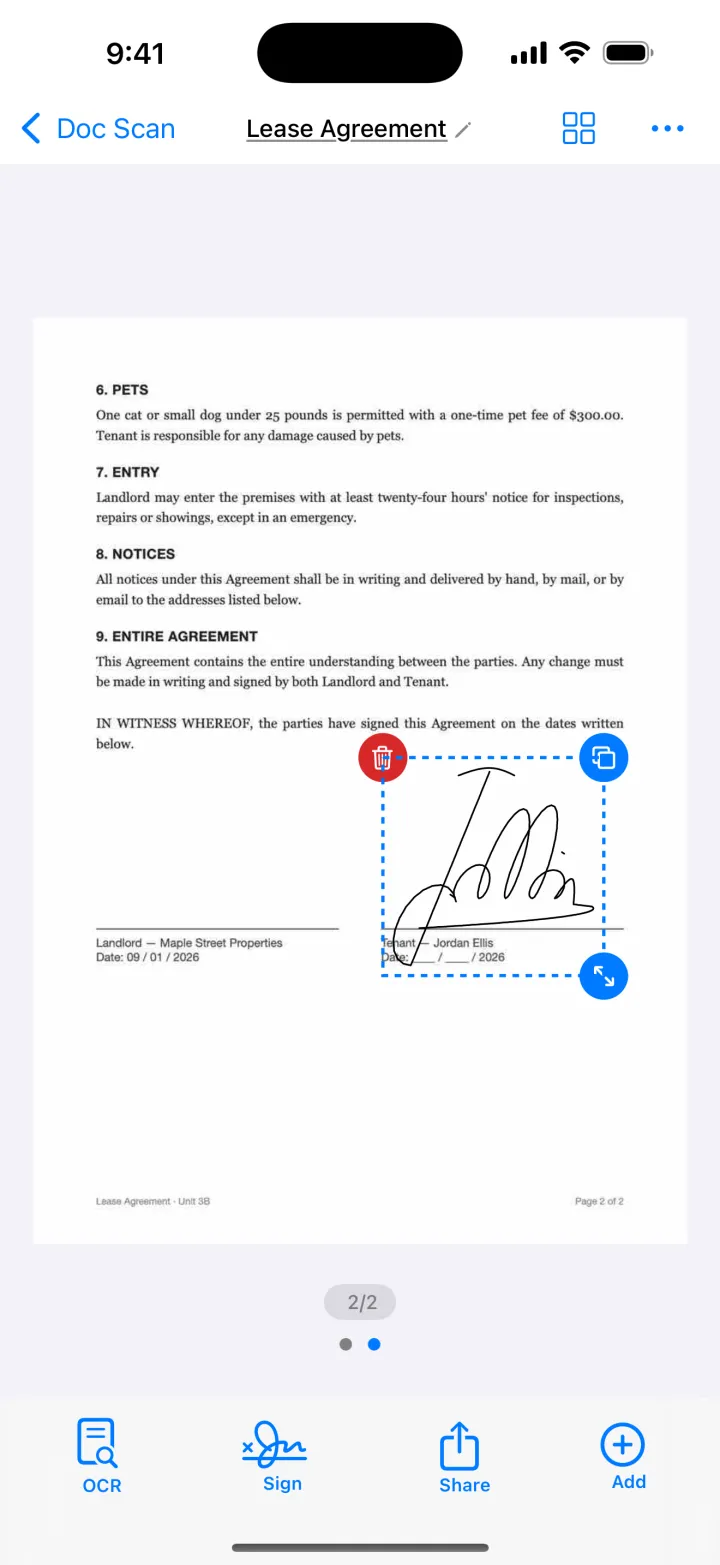
Sign a lease, a school form or an NDA without a printer, then send the signed PDF straight back.
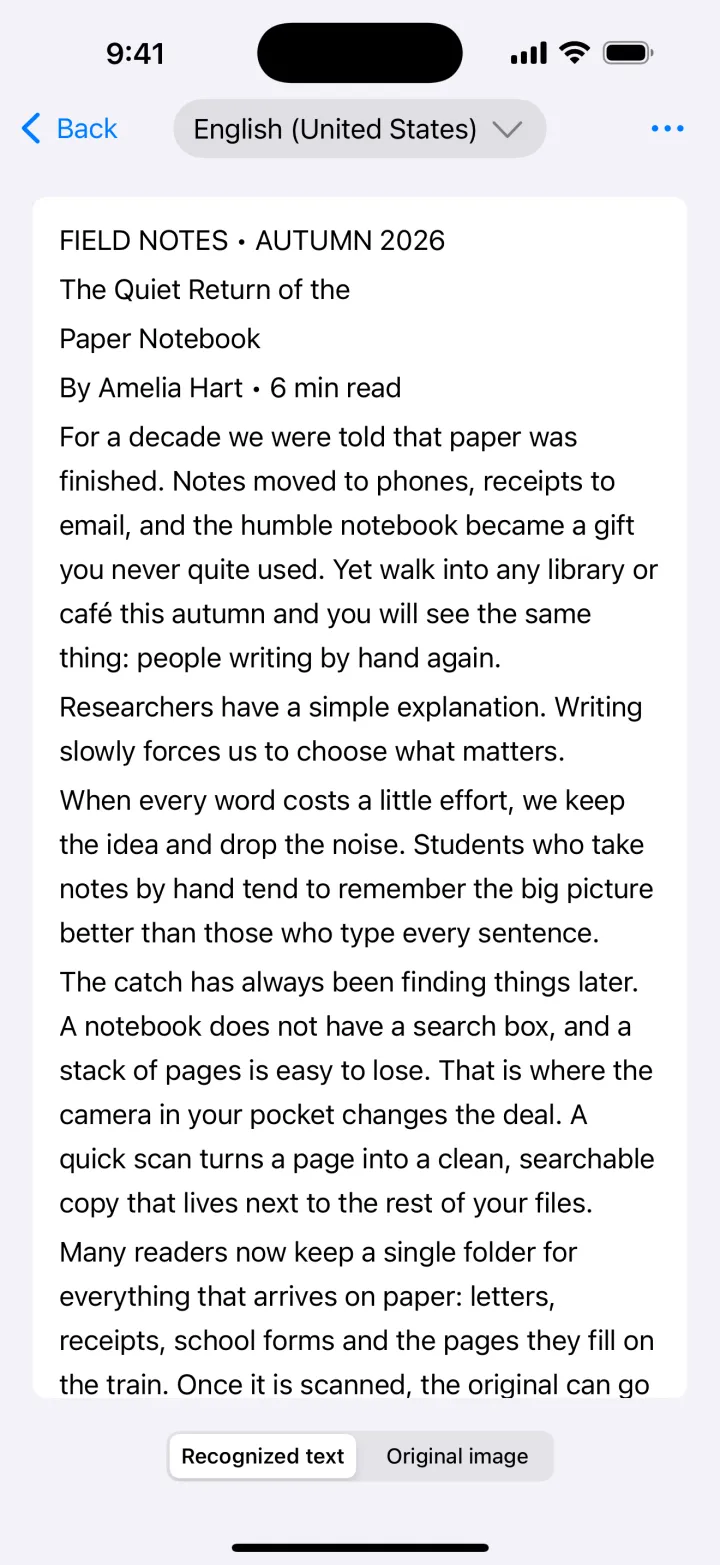
Turn printed pages, handouts and articles into text you can copy, search and quote.
Keep a sharp copy of business cards, ID cards and passports, behind Face ID if you turn on the app lock.
How it works
Tap +, hold your phone over the page and let it capture. Add more pages to the same document.
Enhance the page, then recognize the text when you need to copy or search it.
Add your signature, export a PDF or JPG, and share it by mail, Messages or Files.
Pricing
You can always get your scans out of the app as JPG, whether you subscribe or not.
Everything you need to scan and keep paper.
For text, signatures and PDFs.
Yearly with a 3-day free trial, monthly, or a one-time lifetime purchase. Prices are shown in the app in your currency.
Requires iOS 13 or later. Works on iPhone and iPad.
Yes. Scanning, page editing, folders, iCloud sync, importing and JPG export are free. Text recognition, signatures, PDF export and the app lock are part of Premium.
No. Text recognition uses Apple's on-device Vision framework, so pages are read on your iPhone or iPad. Documents sync through your own iCloud account if you turn sync on.
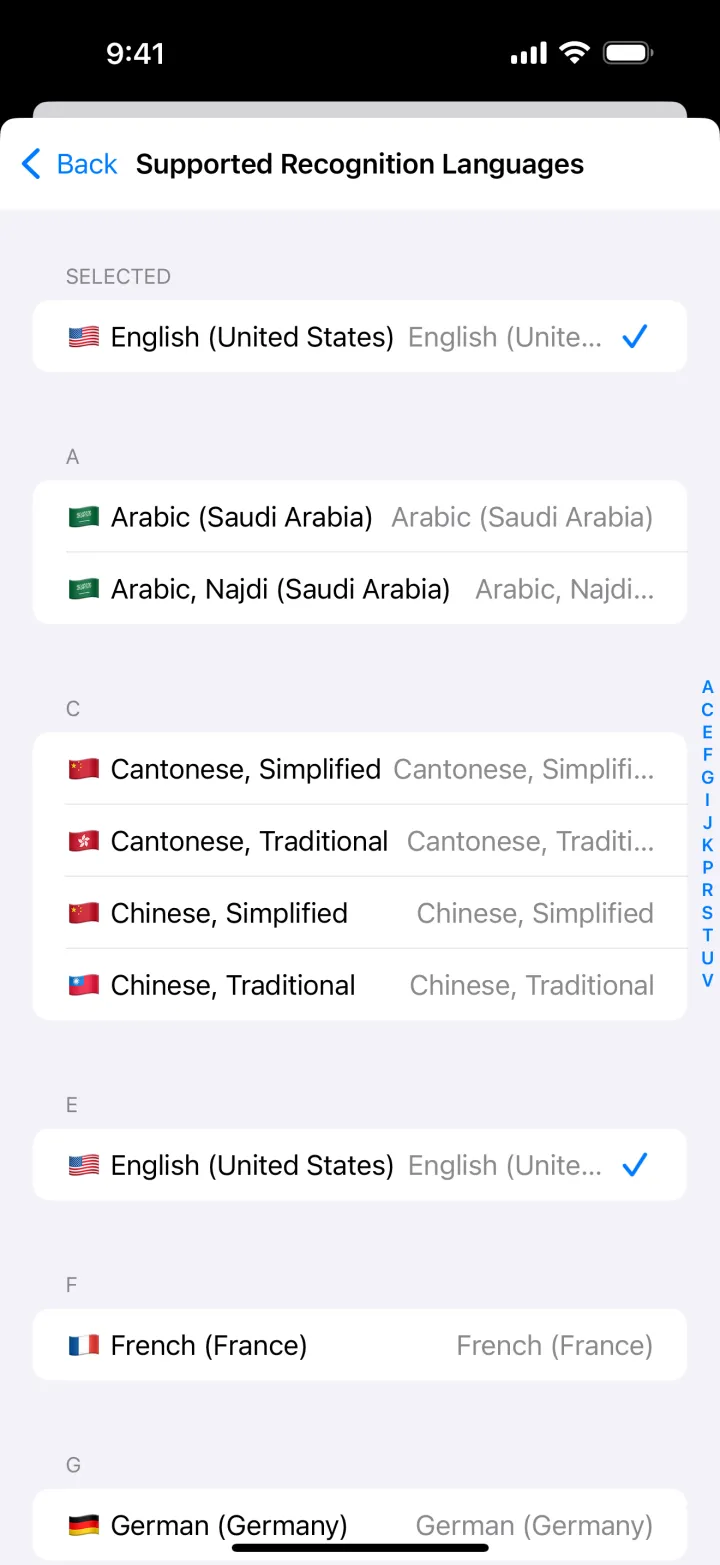
English, Chinese (Simplified and Traditional), Japanese, Korean, French, German, Spanish, Italian, Portuguese, Russian and more. The exact list comes from Apple and depends on your iOS version; you can see it in the app's settings.
Yes. Doc Scan runs on iPhone and iPad with iOS or iPadOS 13 or later, and iCloud keeps your documents in sync between them.
The yearly plan starts with a 3-day free trial. Cancel at least 24 hours before it ends and you won't be charged. Subscriptions renew automatically until you turn that off in your Apple ID settings. The lifetime option is a one-time purchase.
Open Settings in Doc Scan, go to the Premium page and tap “Restore Previous Purchase”, signed in with the same Apple ID.

Doc Scan is free on the App Store for iPhone and iPad.
Download on theApp Store